
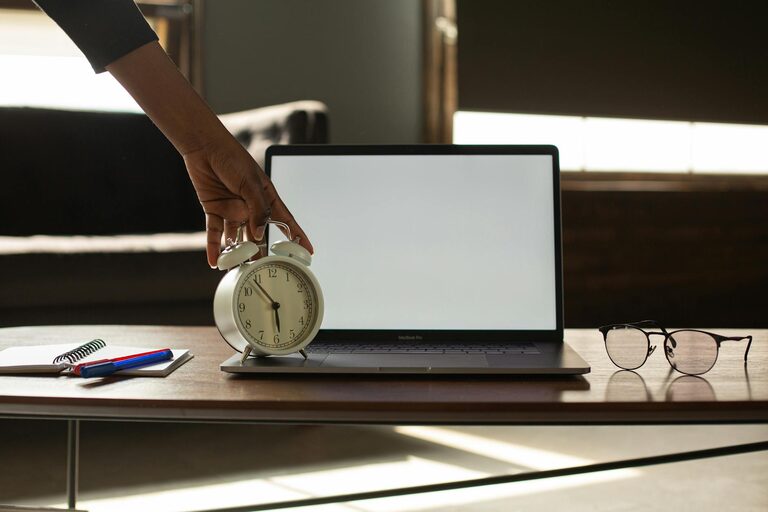
Creating a desk setup that supports both focus and comfort is essential for productivity and well-being, whether you’re working from home, studying, or pursuing creative projects. A thoughtfully arranged workspace helps reduce distractions, prevent physical discomfort, and keep you motivated throughout the day. In this post, we’ll explore practical tips to help you design a desk setup tailored to your needs.
Why a Good Desk Setup Matters
A well-planned desk setup can improve your concentration by minimizing clutter and distractions. Additionally, it promotes good posture, reducing strain on your neck, back, and wrists. When your workspace feels inviting and functional, you’re more likely to stick with your tasks and enjoy the work process.
Choose the Right Desk and Chair
Desk Height and Size
Select a desk with an appropriate height—typically around 28 to 30 inches—that allows your arms to rest comfortably at a 90-degree angle when typing or writing. Ensure your desk has enough surface area to hold your essential items without feeling crowded.
Ergonomic Chair
Invest in a chair that supports your lower back and encourages good posture. Adjustable chairs are ideal, allowing you to customize height, backrest, and armrests for your comfort. Consider adding a cushion or lumbar support if needed.
Optimize Monitor Placement
Proper monitor positioning is key to reducing eye strain and neck pain.
– Place your monitor about an arm’s length away.
– The top of the screen should be at or slightly below eye level.
– Use a monitor stand or adjustable arm if necessary.
If you use a laptop, consider a laptop stand paired with an external keyboard and mouse to maintain ergonomic alignment.
Organize Your Desk for Efficiency
Declutter Regularly
Keep only items you use daily on your desk to maintain a clean and inviting environment. Store less frequently used items in drawers or shelves.
Use Storage Solutions
Desk organizers, trays, or drawer dividers help keep pens, papers, and accessories in their place. Labeling storage can make it easier to find what you need quickly.
Cable Management
Tidy up cables using clips, sleeves, or under-desk trays. This not only looks neat but also prevents tangles that can disrupt your workflow.
Enhance Lighting
Good lighting reduces eye strain and keeps you alert.
– Use natural light whenever possible, positioning your desk near a window.
– Avoid glare on screens by adjusting blinds or using curtains.
– Supplement with a desk lamp offering soft, adjustable light focused on your workspace.
Incorporate Personal Touches
Adding a few personal items can make your desk more enjoyable and inspiring.
– Small plants can improve air quality and add a touch of nature.
– Photos or artwork can boost your mood.
– A comfortable wrist rest or patterned mousepad can add both comfort and personality.
However, avoid overcrowding your desk with too many decorations to maintain focus.
Pay Attention to Ergonomics for Comfort
Keyboard and Mouse Position
Place your keyboard and mouse close enough so you don’t have to stretch. Your wrists should be straight and hover comfortably above the desk surface.
Foot Support
If your feet don’t rest flat on the floor, use a footrest to support proper posture and improve circulation.
Take Breaks and Move
Even with the perfect setup, it’s important to stand, stretch, and walk around every hour to reduce fatigue and stiffness.
Keep Your Workspace Clean
Regular cleaning of your desk and equipment keeps your workspace hygienic and pleasant. Wipe surfaces to remove dust and germs and clean your keyboard and mouse periodically.
—
Creating a desk setup that balances focus and comfort doesn’t have to be complicated or expensive. By choosing ergonomic furniture, organizing thoughtfully, and adding personal touches, you can create a workspace that supports productivity and well-being. Remember, your desk setup should work for you—don’t hesitate to adjust or experiment until you find the perfect balance. Happy working!